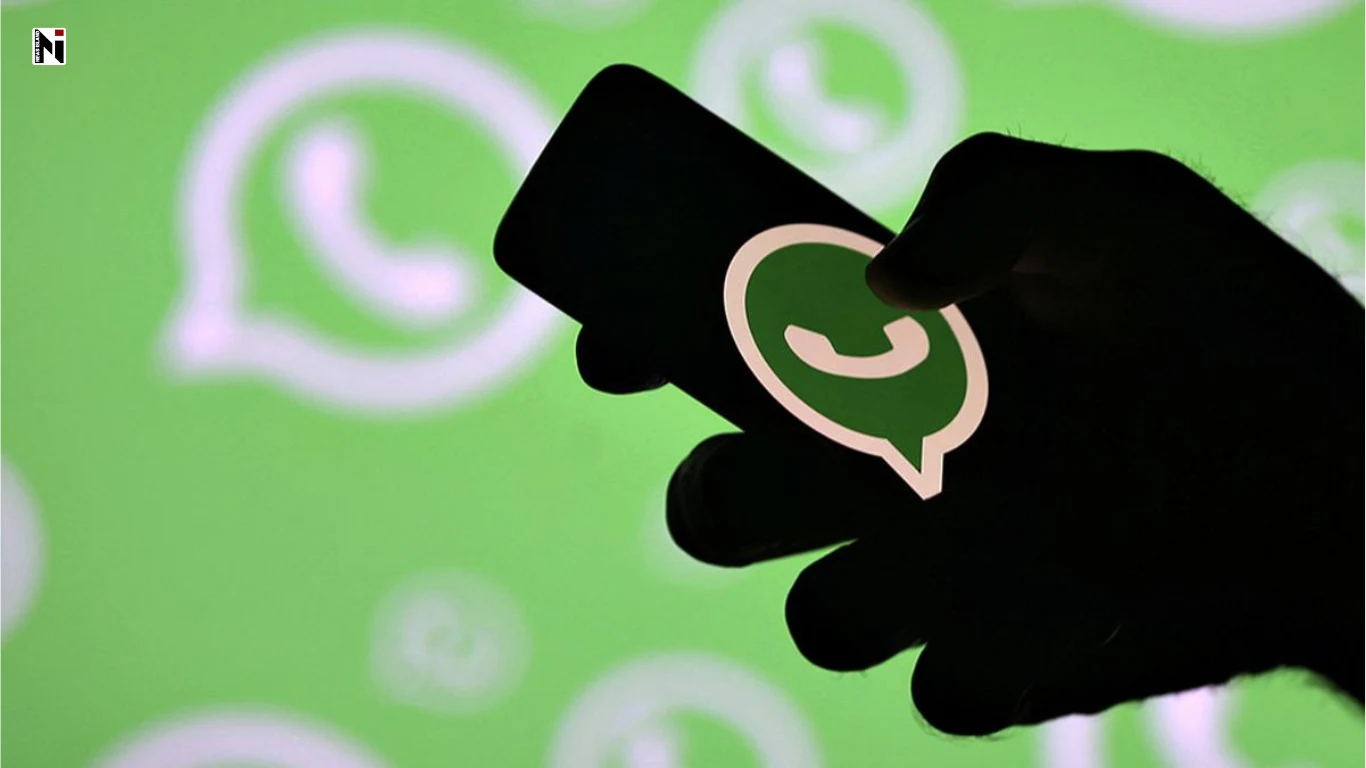
WhatsApp has ended support for older Android phones running Android 5.0 and 5.1. Users now need Android 6.0 or a newer version to continue using the app
New Delhi: If you are still using an old Android smartphone, this news is important for you. WhatsApp has stopped supporting phones running older versions of the Android operating system. Users now need Android 6.0 or a newer version to continue using WhatsApp.
The change introduced on September 8, 2026, has raised concerns among users who still rely on smartphones that are several years old.
Why Did WhatsApp Stop Supporting Older Phones?
The reason behind this is that older Android versions cannot keep up with modern security requirements. Systems such as Android 5.0 and Android 5.1 have not received regular security updates for a long time. Companies also face difficulties when they try to develop new features and maintain user security on such outdated operating systems.
WhatsApp wants to move its platform forward with modern technology and stronger security systems. For this reason, the company has decided to focus on newer Android versions instead of continuing support for outdated operating systems.
Which Android Phones Will Be Affected?
This change does not target any specific smartphone brand or model. Instead, it depends entirely on the Android version running on a user’s device.
If your smartphone runs:
- Android 5.0
- Android 5.1
- Or any Android version older than Android 6.0
WhatsApp support may end on your device.
On the other hand, phones running Android 6.0 or later will continue to support WhatsApp. Users should therefore check their smartphone’s operating system version as soon as possible.
How Can You Check Your Phone’s Android Version?
You can easily check your Android version through their phone’s settings. You can easily check your android system by going to
Settings > About Phone > Android Version
The name or location of this option may vary slightly depending on the smartphone brand and model. If your phone shows Android 6.0 or a newer version, you do not need to worry.
Can You Save WhatsApp by Updating Your Phone?
Some smartphone manufacturers still provide software updates for older devices. Users affected by this change should first check the Software Update section in their phone’s settings.
If the manufacturer offers an update to Android 6.0 or a newer version, updating the device may allow WhatsApp to continue working. However, many older smartphones have reached the end of their software support cycle, and manufacturers no longer provide new Android updates for them.
In such cases, users may need to switch to a newer or supported smartphone.
Back Up Your WhatsApp Data Before Changing Your Phone
Users should back up their WhatsApp chats and media before replacing an old phone. WhatsApp provides a chat backup option that allows users to save important conversations, photos, and videos.
After installing WhatsApp on a new phone, users can log in with the same account and restore their backup. If users change their phones without creating a backup, they may lose old chats and important media files. Therefore, backing up data before switching devices is extremely important.
This change by WhatsApp clearly shows that simply downloading the latest version of an app is no longer enough in the digital world. Users also need modern operating systems to enjoy a secure and improved experience. Other applications may also stop supporting older software versions in the future. Therefore, users should regularly update their devices and take steps to keep their data safe and secure.